
How to Search Cases by Name
Start at the Forsyth Courts Case Search page. It points the public toward re:SearchGA, the statewide provider. The Georgia e-access directory says you need an account first. Type the legal spelling exactly as it appears on court papers, and if a name pulls up too many hits, narrow the results by location, category, type, or status once the live account view offers those filters.
- Open the local Case Search hub and follow its search button to re:SearchGA.
- Register or sign in as required by the provider.
- Choose the Cases search for a case-level lookup and enter the party name.
- Apply a Forsyth location and relevant case filters when those options appear.
- Compare case numbers, types, filing dates, and courts before opening Case Details.
The provider's public materials do confirm one trick: an asterisk works as a wildcard in several name fields. Beyond that, the public landing page simply does not show its full Advanced Search By list. So trust only the filters you can actually see.
| Field or control | Type | Required | Use |
|---|---|---|---|
| Search keyword | Text | Search-dependent | General entry point for a name or known number |
| Location | Filter | No | Narrows results to a participating court or location |
| Case Category / Type | Filter | No | Separates civil, family, criminal, and other case groups |
| Case Status | Filter | No | Narrows by the status options exposed to the signed-in role |
| Advanced | Control | No | Opens more Search By options |
Forsyth Case Search Starts Locally
The official Forsyth case-search hub is a routing page, not a second case database.
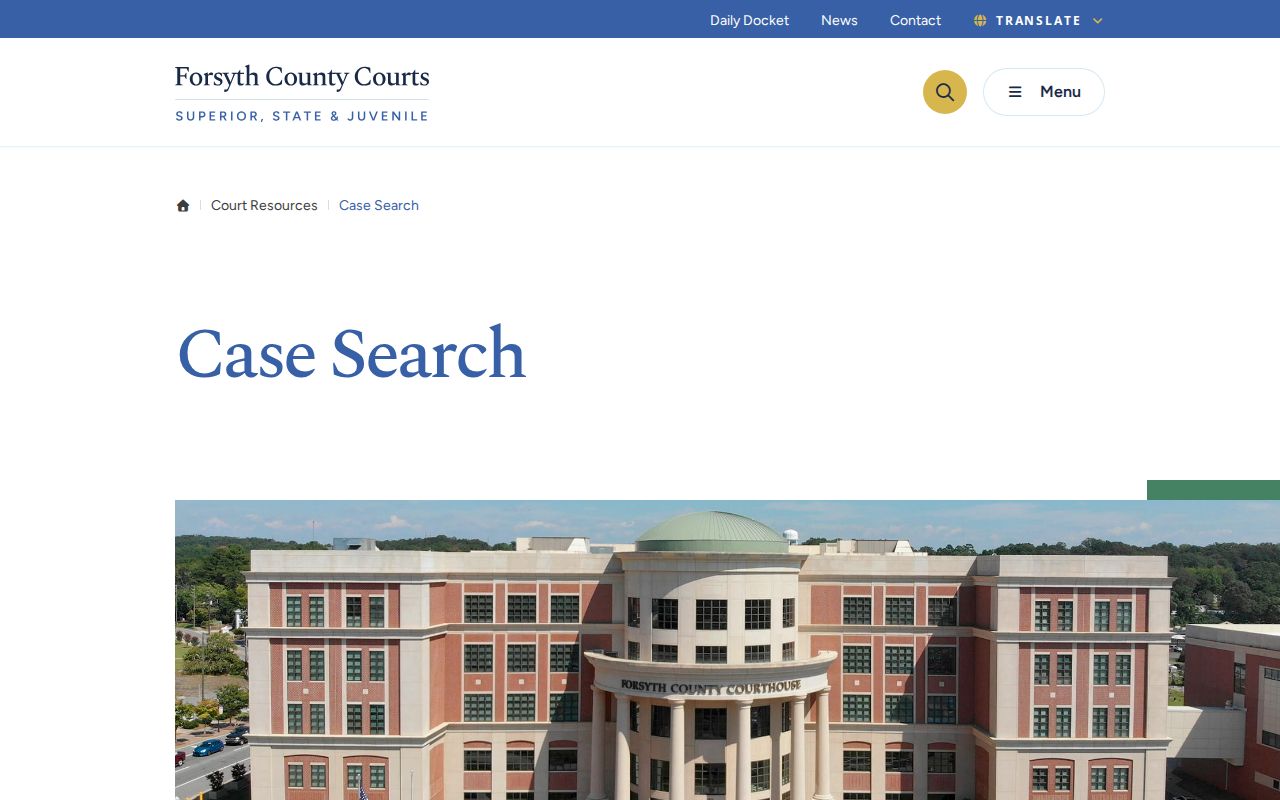
That hub's job is simple. It confirms the intended local path into the statewide provider, which keeps you from mistaking some other county's system for the real court docket.
The Clerk also posts Online Court Docket instructions that walk through the same route.
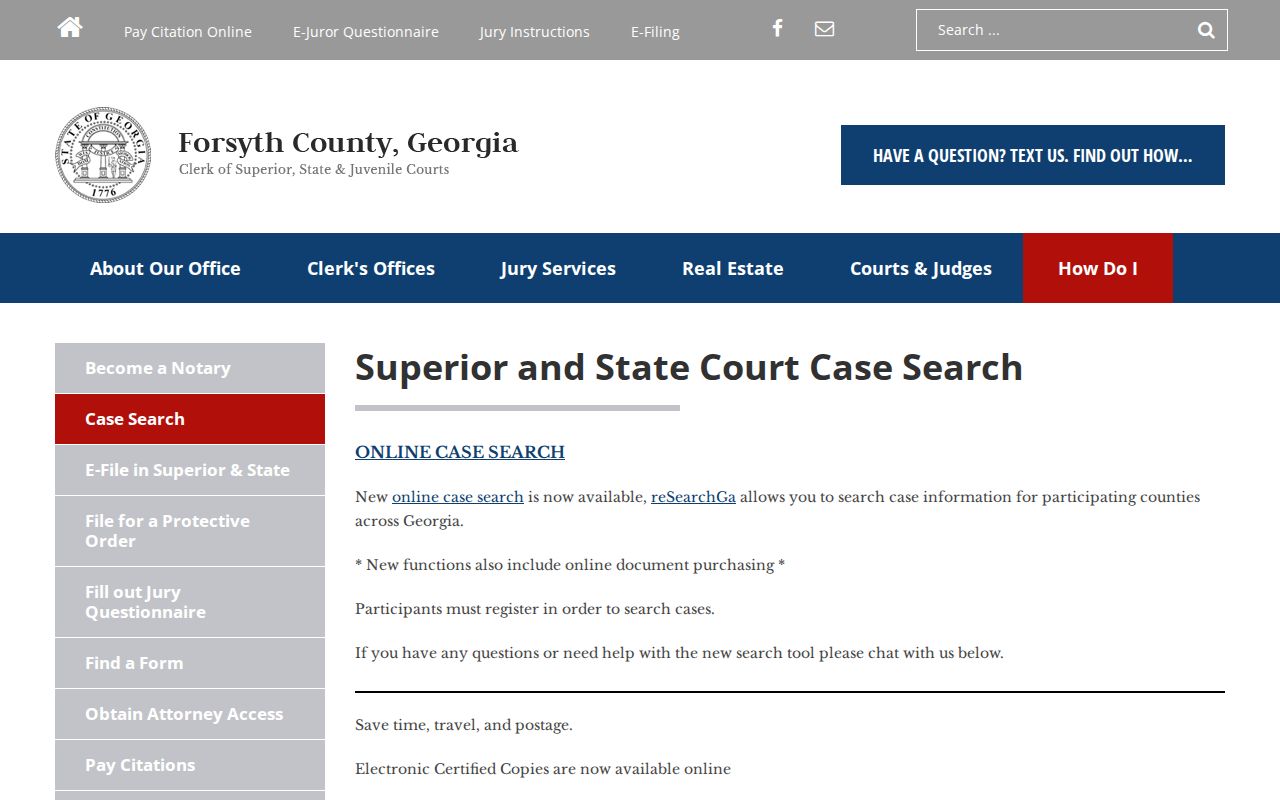
Follow the official docket route first for Superior and State case questions. A counter visit or a call to a division should be the fallback, not the opening move.
How to Search by Case Number
A full case number beats a name search every time, because it sidesteps common-name matches. Forsyth numbers open with a year prefix, then a case class, then a sequence. Sometimes a judge or division suffix follows. A Superior criminal case looks like YYCR-NNNN-2. A civil one looks like YYCV-NNNN-A. Copy the punctuation and length straight from your notice or filed paper.
The suffixes are routing clues, nothing more. Superior suffixes 1, 2, and 3 point to the three listed judge divisions. State Court suffixes A and B point to its two. A suffix tells you nothing about whether the case is open, closed, sealed, or set for a hearing.
Search the whole number first. If that fails, check the year, class, sequence, and suffix instead of deleting parts at random. A probable-arrest file may use a PAF-style format. A State misdemeanor or traffic file can follow a YYM-style pattern. The Clerk division responsible for the case can tell you which class applies.
Four Forsyth Docket Search Modes
re:SearchGA splits its work into four tabs: Cases, Filings, Text, and Hearings. Picking the right tab often beats typing the same name into a general field over and over. The official re:SearchGA landing page is where you enter the provider.
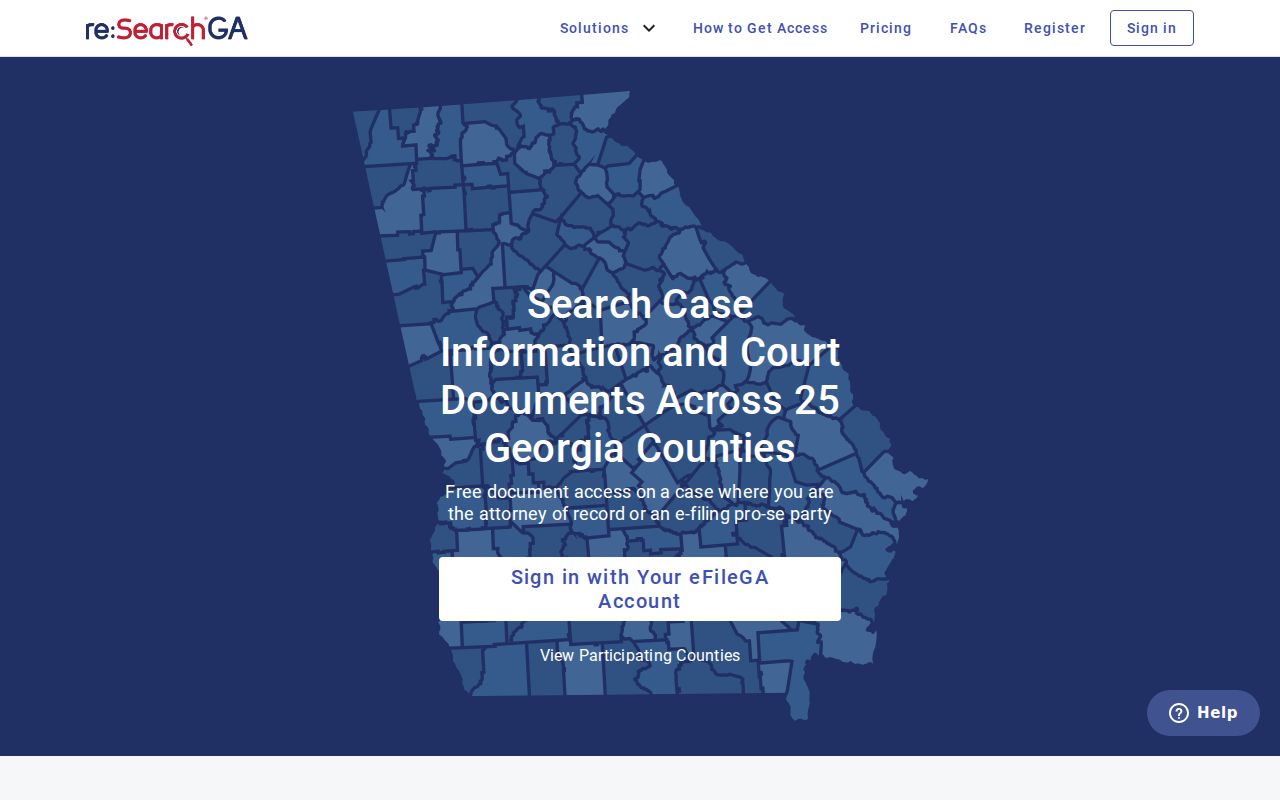
The provider's entry screen asks you to sign in. Registering gets you a public user role, not unrestricted access to every document on file.
| Mode | Best question | Possible result |
|---|---|---|
| Cases | Which case matches this name or number? | Case description and Case Details link |
| Filings | Was a named filing entered? | Filing-oriented result |
| Text | Does available document text contain a term? | Text match where supported |
| Hearings | What hearing information is recorded? | Hearing or setting detail where available |
Results can sort by newest filing date, oldest filing date, or case number. Export, saved-search, and alert tools help you watch public data, yet none of them produces a certified court record.
What a Case Search Shows
Case Details can display the court identifier and a time-ordered run of public information. What you see varies by court, case type, user role, and document restriction. A filing title does not always come with its image attached. Clicking a document may hit a purchase prompt. That prompt is not a failed search; it is just the paywall talking.
| Case Number and Type | The court identifier and category, such as civil or criminal. |
|---|---|
| Parties | Public names and procedural roles available to the user's access level. |
| Attorneys | Lawyers listed as counsel of record where public. |
| Judicial Officers | The judge or other officer associated with the case or hearing. |
| Filings and Documents | Dated entries and image links when the role and system allow access. |
| Hearings | Scheduled or recorded hearing fields where available. |
| Status | The system's current posture label, which may differ from the latest event. |
A docket line is only a short register entry. It is not the underlying order, judgment, or certified copy. Post-judgment and appellate entries can still follow a disposition.
Legacy Forsyth Odyssey Logins
Two older Forsyth County endpoints now sit behind Tyler Records Inquiry login pages. The public legacy Odyssey landing does not offer an anonymous guest workflow.
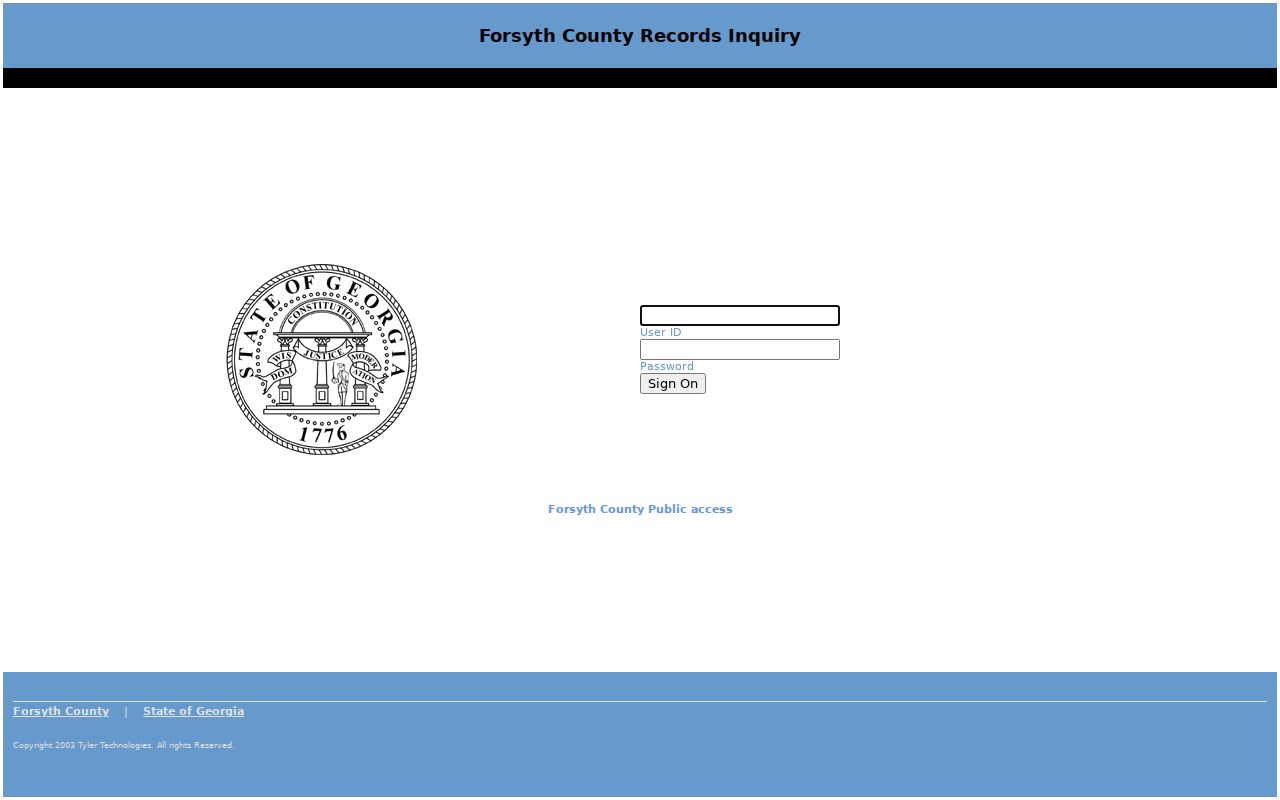
Because of that login wall, this endpoint is not the recommended public case search. Use the current Forsyth Courts route into re:SearchGA instead.
The separate legacy attorney endpoint likewise opens on a restricted login landing.
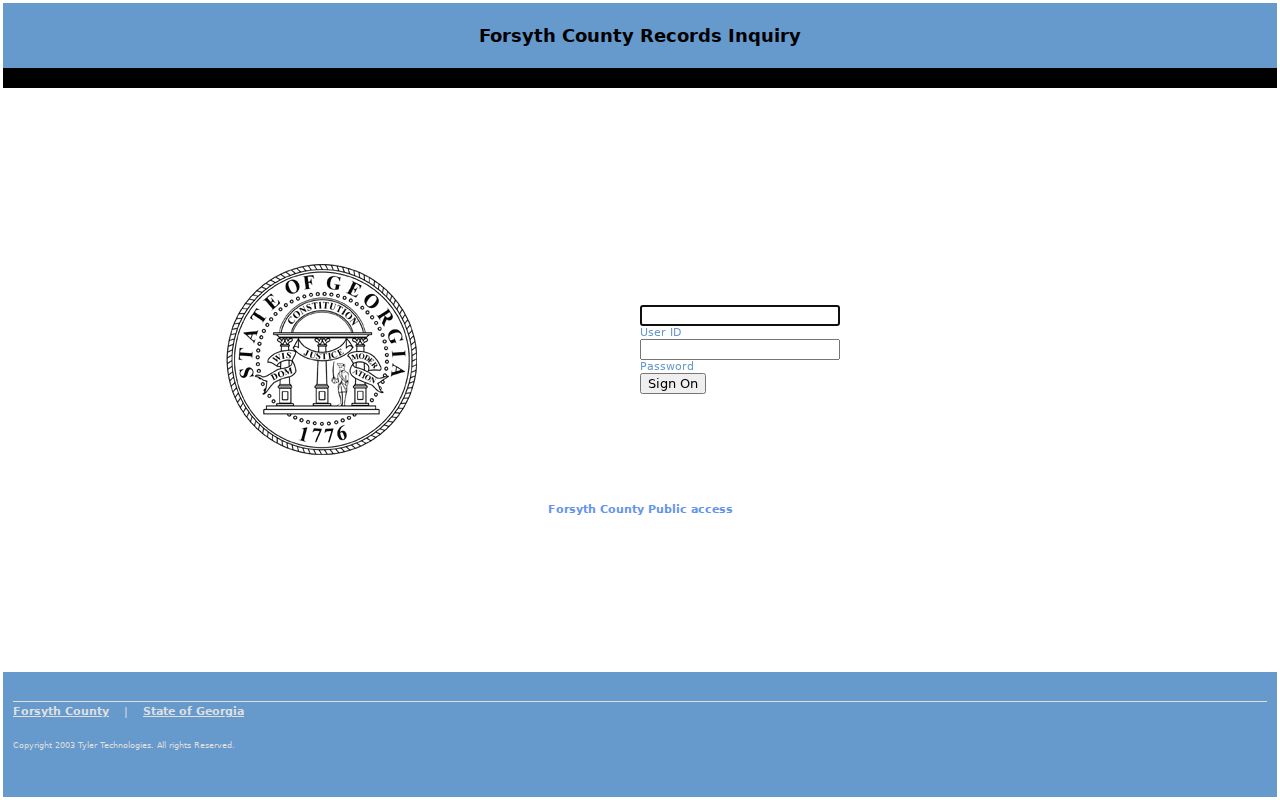
Treat that attorney address as role-specific and legacy, not as an alternative for a public name search.
County vs Statewide Case Search
Think of the search options as one system, not two rivals. Forsyth County publishes no separate anonymous database of its own. Its court and Clerk pages point the public to re:SearchGA, the statewide provider that participating courts use. The county layer adds local guidance and office fallbacks. The provider handles the account-based search tools for the court docket.
| Forsyth County route | re:SearchGA provider |
|---|---|
| Explains which local link to use | Searches participating case data |
| Connects to the Clerk and court divisions | Offers Cases, Filings, Text, and Hearings modes |
| Provides Daily Docket for next-day settings | Provides broader case details when available |
| Supports counter, phone, email, and terminal fallback | Uses registered roles and may charge for images |
The Georgia e-access directory lays out the account requirement and the provider framework. A federal case falls outside both local trial-court routes and belongs in PACER.
When Forsyth Cases Do Not Appear
No result is not a legal conclusion. Check your spelling and the full case number first. Then confirm the court level, since Probate, Magistrate, Juvenile, Cumming Municipal, federal, and bankruptcy matters all run through separate channels. Older records can also predate the local electronic integration. Provider support material says e-filed data is generally present from October 1, 2018, while older availability varies.
- Use the first-floor Public Access Terminal for public viewing and staff routing.
- Visit Greg G. Allen's Clerk office in Suite 1007 at 101 East Courthouse Square.
- Call 770-781-2120 or email clerkofcourt@forsythco.com for general routing.
- Use superiorcriminal@forsythco.com, SuperiorStateCivil@forsythco.com, or traffic@forsythco.com for the listed division.
- Mail a record request or copy inquiry to the Clerk at the courthouse address when time allows.
The county Open Records portal is not the way to pull a court record. Georgia's Attorney General explains that Superior, State, Probate, and Magistrate Courts do not follow the Open Records Act the way county agencies do. Start with the Clerk or the court office that holds the case.
Missing result: Confirm court, number, year, suffix, role restrictions, and record age before deciding the case does not exist.
Restricted Cases and Access Rules
Uniform Superior Court Rule 21 starts from a presumption of public access. A judge can still limit a specified part of a file. But only through the required process. So a docket entry that appears with no image may reflect sealing, redaction, protected identifiers, or a role limit. The entry itself will not say why. For that, you need the public order or information from the Clerk.
Juvenile records do not surface in routine adult case lookup results. Forsyth's release form cites O.C.G.A. §15-11-704, uses a child's initials, and includes a court-order step. Family, adoption, mental-health, and some criminal filings can also carry tighter image or role access. Who you are matters. Registered users, attorneys of record, self-represented parties, judges, and clerks each see different data in the court docket.
Use a public case lookup for the right things. Track your own matter. Confirm a hearing date. Understand new filings, or follow a public proceeding. Do not republish protected identifiers. When you need a certified result, the Clerk's Copy Requests page and eCertification are the proper route. An export or a saved copy of the page is not.
Forsyth Docket Results in Context
No single local system shows everything. The Daily Docket gives you the next-day setting fields, while re:SearchGA opens case, filing, text, and hearing views. The Clerk and eCertification handle copies and certified court records. The Public Access Terminal bridges public viewing, the case management system, and e-filing assistance.
- Case status
- The provider's current posture label, not always the same as the last entry.
- Docket entry
- A dated line that describes a filing, event, order, or status change.
- Filing
- A document or submission entered in the case file.
- Disposition
- A procedural outcome such as dismissal, plea, verdict, or another closing event.
- Judgment
- The formal adjudication entered by the court.
One docket search can look thin while another source holds the detail you need. Name the item, then use the channel built for it.