
Searching Forsyth County Civil Dockets
Start with the Forsyth Courts case-search route, which points to re:SearchGA. Georgia's state directory notes that an account is required. Enter a complete civil case number first. With only a party name, filter by court, civil category, type, status, filing date, and judge. Do that before trusting a match. Remember that re:SearchGA splits Cases, Filings, Text, and Hearings into separate views. So the broad case record and a single filed document are not the same thing.
The Daily Docket works from a party name or case number. It shows Name, Case Number, Time, Judge, and Location for the next court day. It refreshes daily at 8:30 PM Eastern and can shift late. Treat it as a way to confirm a setting. It will not rebuild the whole civil case.
- Read the court name and full case number from the filed paper or notice.
- Search re:SearchGA and limit the result to Forsyth County, the court, and civil case type.
- Compare parties, filing date, judge, status, filings, and hearings in Case Details.
- Use the Daily Docket for a near-term hearing and verify changes with the civil division.
- Request the filed order or a certified copy when the docket line alone will not answer the question.
Walk-in access sits at the Clerk counter and Public Access Terminal in Suite 1007, 101 East Courthouse Square, Cumming, GA 30040. For routing questions, call the civil division at 770-781-2120 option 4. You can also write SuperiorStateCivil@forsythco.com. Mail to the main Clerk address works too. A phone call, email, or counter visit can track down an older public file. Magistrate, Probate, Juvenile, Cumming Municipal, and federal civil files each live with their own offices.
Forsyth Civil Docket Office
Civil files for both courts sit with the Superior and State Court Civil Division, covering complaints, divorce, adoption, and garnishment matters. Superior Court holds broad civil and domestic jurisdiction. State Court takes certain civil actions as well. Knowing which court owns the file matters. It keeps a name search from blending similar parties. It also keeps a hearing question from going to the wrong division.
The official Clerk division page shows the office details and the functions it handles.
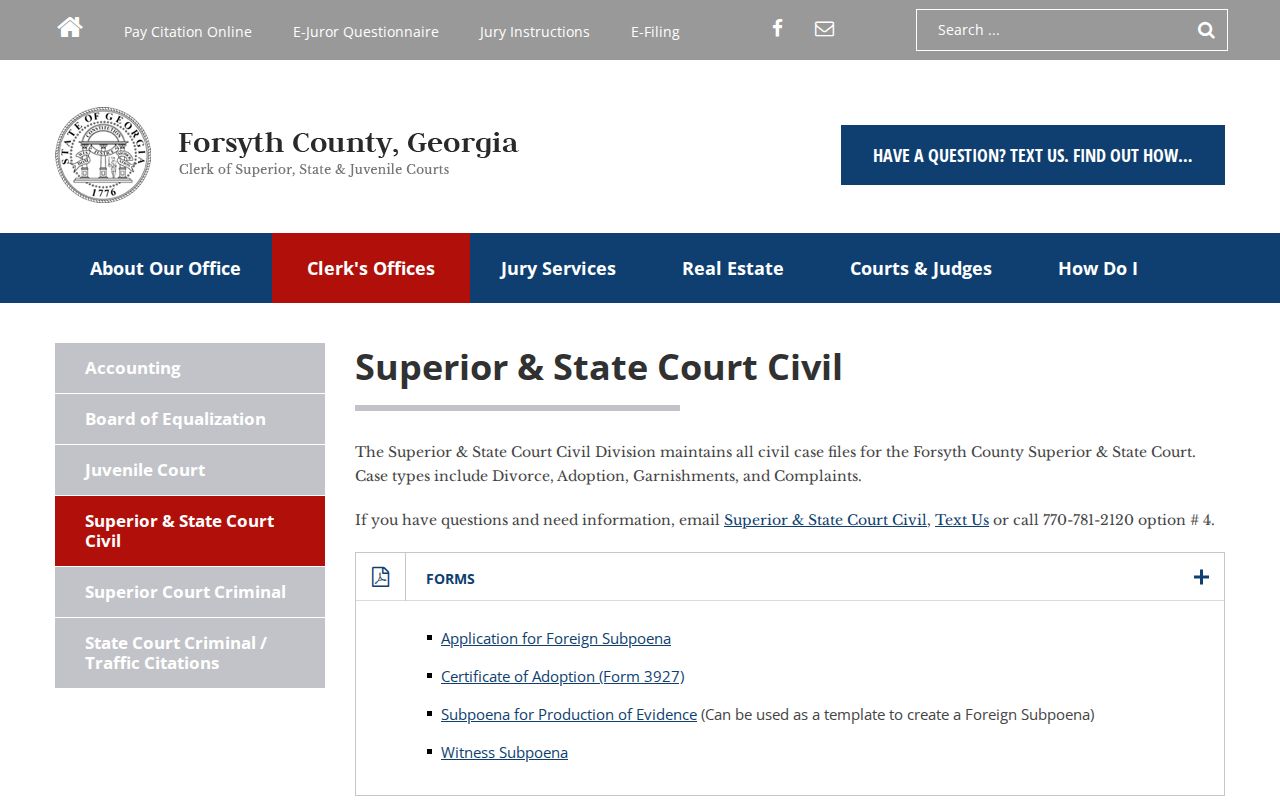
That division page also lists judge suffixes, hearing forms, filing costs, service costs, contact details, and the public records route. Related tasks, but not the same task. Filing a case, requesting a hearing, searching its docket, and ordering a copy are four separate transactions.
Superior and State Civil Division
Forsyth County Courthouse, Suite 1007
101 East Courthouse Square
Cumming, GA 30040
770-781-2120, option 4
SuperiorStateCivil@forsythco.com
Inside a Forsyth County Civil Docket
Think of a civil docket as an index of procedural activity. It may show the court, number, category, filing date, status, assigned judge, parties and their roles, service events, filings, hearings, orders, and disposition. An image prompt can lead to a free public document, a paid image, or a file limited by role. A title and a date are not the document's full text.
| Case number | An observed format is YYCV-NNNN-2, with a judge or division suffix. |
|---|---|
| Parties | Plaintiff and defendant appear in a complaint; petitioner and respondent appear in a petition. |
| Service | Entries can track summons issuance, return of service, or another notice event. |
| Filings | Complaints, answers, motions, affidavits, responses, and notices create the register. |
| Hearings and orders | Settings, rulings, judgment, dismissal, post-judgment work, and appeal entries may follow. |
Case status is only a portal label. It may lag the newest filed order. When the precise ruling matters, read the last entries and pull the underlying judgment.
Forsyth Civil Docket Codes
The civil division maps Superior Court suffix 1 to Judge Jeffrey S. Bagley. Suffix 2 goes to Judge David L. Dickinson. Suffix 3 belongs to Judge Philip C. Smith. State Court suffixes A and B serve as division clues. A suffix helps route a hearing form or a clerk question. It says nothing about the result. It also says nothing about the case status or the public-access level.
- Plaintiff
- The party who begins a civil complaint.
- Respondent
- The party answering a petition.
- Service
- Formal delivery of a summons, complaint, subpoena, or other court paper.
- Continuance
- A postponement or rescheduling, not a judgment or dismissal.
- Judgment
- The court's formal adjudication, which should be read in the filed order.
Copy the number exactly as the court printed it. Never rebuild one from a year, party name, and suffix. The Clerk has not published meanings for every short local code, so quote unclear text exactly and check it with the civil division.
Civil Case Types on the Docket
Forsyth civil dockets can carry general complaints, domestic-relations cases, divorce, adoption, garnishment, contract or account disputes, personal injury, foreign judgments, habeas matters, and post-judgment work. What appears in re:SearchGA varies by court and user role. Family and adoption files may show a public procedural line while an image or protected identifier stays unavailable.
| Forsyth civil matter | Likely route | Docket clue |
|---|---|---|
| General civil or domestic matter | Superior Court | Superior judge suffix 1, 2, or 3 |
| Certain civil complaint | State Court | State division suffix A or B |
| Claim up to $15,000 | Magistrate Court | Separate Magistrate office and system |
| Estate or guardianship | Probate Court | Separate Probate office at the Annex |
| Federal civil action | Northern District of Georgia | PACER and federal CM/ECF number |
First question: which court owns the file? A Magistrate or Probate matter missing from the Superior and State search points to routing, not proof the case does not exist.
Forsyth Civil Hearing Forms
The civil division posts separate requests for Judge Bagley. Judge Dickinson and Judge Smith get their own forms, too. So do uncontested hearings and State Court civil non-jury hearings. Judge Dickinson's forms split requests of 1.5 hours or less from longer hearings. Filing a request is only part of the process. The Clerk's acceptance and a court setting control what lands on the docket.
The Forsyth Courts legal-forms page is the public source for these forms.
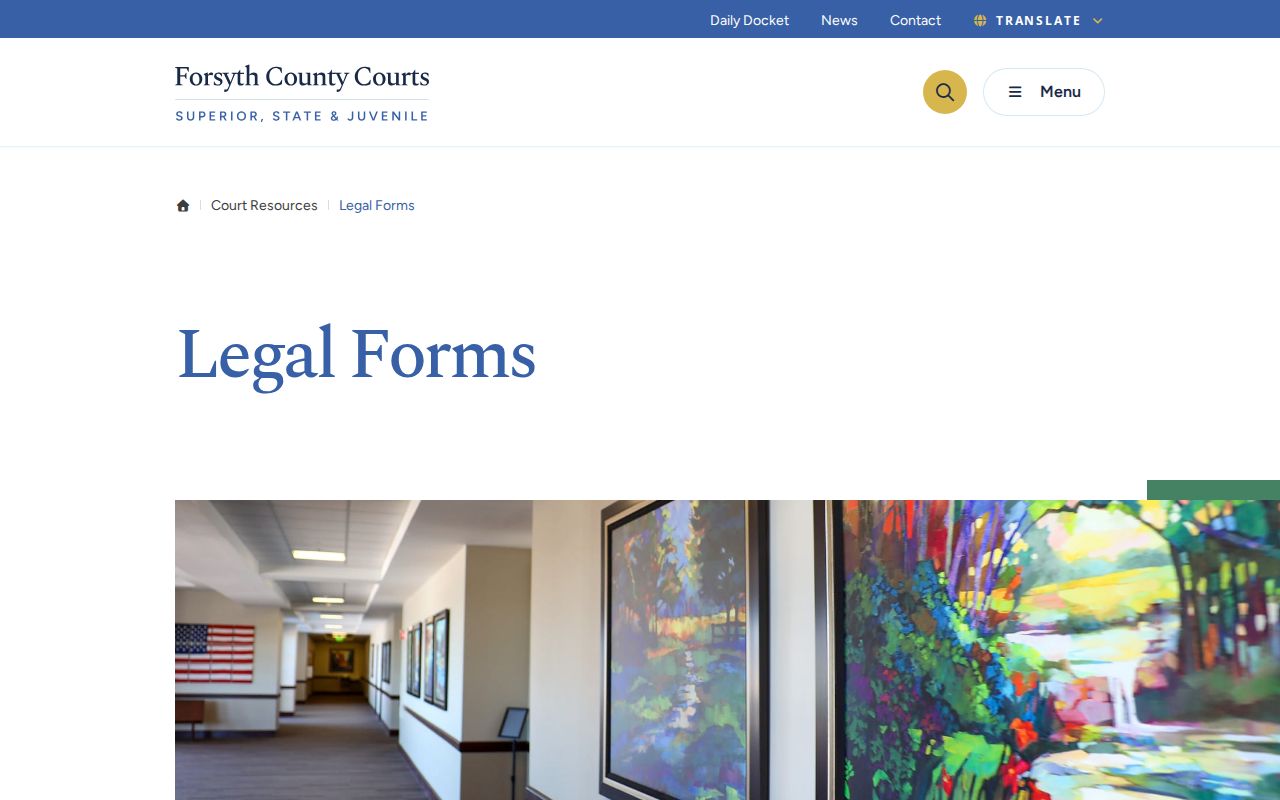
The Law Library in Suite 1030 also hands out court forms, but it is not the docket custodian. Filing and scheduling questions stay with the Clerk and the assigned court.
Note: A hearing request alone does not prove a hearing was granted or placed on a specific Forsyth County civil docket.
Civil Docket Settings and Hearings
A Forsyth County civil docket can run from complaint or petition to service, answer, motions, hearing requests, orders, judgment, dismissal, and appeal. Few cases touch every stage. A motion may be decided out of the sequence a reader expects, and a reset only sets a new date. The Daily Docket gives the immediate calendar slice, while re:SearchGA Hearings and Filings show the broader trail.
On the court date, check the first-floor courthouse display. Online settings can change. Match case number, time, judge, and location there. If an entry looks wrong, call the civil division instead of trusting an old notice. The Clerk keeps the record. Scheduling calls belong to the judge.
Forsyth civil flow: Complaint or Petition › Service › Answer › Motions › Hearing › Order or Judgment › Post-Judgment or Appeal
Forsyth Civil Filing Access
Forsyth's Public Access Terminal ties the Clerk office to eFileGA and the Case Management System. Submissions received during courthouse hours get same-business-day review, per local civil e-filing material. Later ones get next-business-day review, subject to the order. A self-represented filer can ask about the courthouse terminal. The kiosk accommodation is one more option. A private vendor account is not the only route. The Forsyth courtroom technology page explains the presentation systems available in the courthouse.
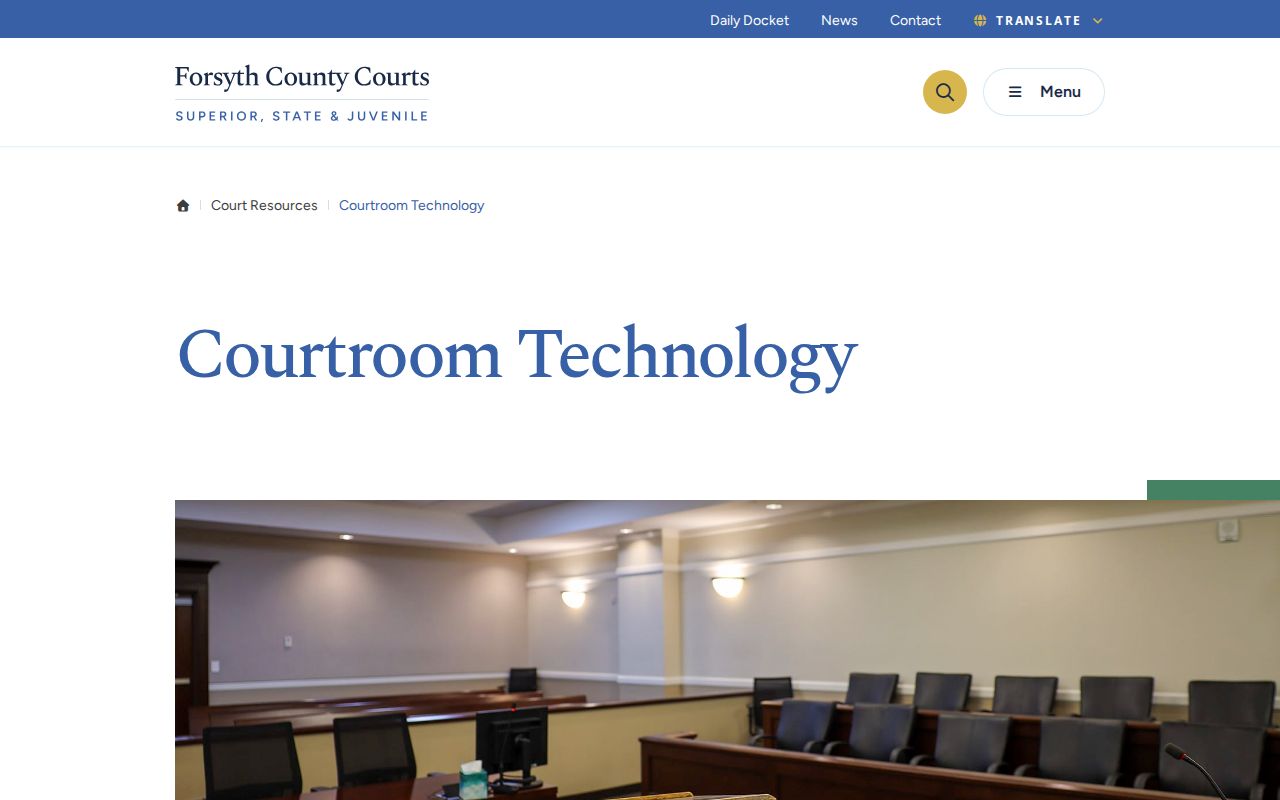
Courtroom technology helps a hearing. It changes no filing rule and no rule of public access. eFileGA takes submissions, re:SearchGA shows case information, and the Daily Docket lists settings.
Common mix-up: The published $218 civil filing fee and $50 sheriff service fee are not copy charges. Standard, certified, and non-standard records use a separate Clerk schedule.
Civil Docket Access Rules
Uniform Superior Court Rule 21 begins with public inspection. A court may limit a specified part only when privacy harm clearly outweighs the public interest under the rule's process. Rule 21.6 and O.C.G.A. §9-11-7.1 govern protected identifiers. Family, adoption, protective-order, and other sensitive records can show a docket entry while an image or identifier page stays restricted.
Portal views differ by role: registered public users, attorneys of record, self-represented parties, judges, and clerks each see different material. A paid image is not automatically certified. For certified copies, use the Clerk's eCertification route. The counter, Public Access Terminal, phone, email, and mail serve as fallbacks for available public records. Older records may still need a physical-file search. Provider integration for e-filed data generally begins around October 2018, and coverage before that varies.
Georgia access boundary: Uniform Superior Court Rule 21 governs Superior Court access limits. The Georgia Attorney General explains that courts are not subject to the Georgia Open Records Act in the same way as county agencies, so use the responsible court's inspection and copy process first.
Forsyth Docket Line or Judgment
A docket line is an index entry. It may say a motion, order, judgment, or dismissal was filed without stating all the terms. Some portal documents are role-limited or put up for purchase. The exact ruling may control your own matter. Then retrieve the filed order. If the court requires authentication, order a certified copy rather than printing the screen.
The Clerk prices standard copies at $0.50 per page. Certified copies cost $2.50 for the first page plus $0.50 for each added page, and non-standard copies run $1.00 per page. Copy charges differ from filing, service, and card convenience fees. The Forsyth County Court Record Search explains the documents held behind the civil docket.
If no result appears, recheck the court level first. Verify the number, spelling, suffix, and date too. Then use the civil desk, terminal, phone, or mail. When an image is restricted, ask whether a redacted public version exists. A missing image may signal a limit, not a missing case.