
Searching the Forsyth County Court Docket
Start by knowing what you actually need. A full case number works best. A party name alone often pulls several matches, so compare court, category, case type, filing date, status, judge, and parties before opening Case Details. For the following court day's Superior and State Court settings, Forsyth County posts the Forsyth Daily Docket. For a wider look at a case, its filings, text, or hearings, re:SearchGA sits behind the local case-search page. Need a certified record? That goes through the Clerk's copy process.
- Identify the court named on the notice, citation, filing, or case number.
- Choose Daily Docket for a near-term setting or re:SearchGA for the case register.
- Search by full case number first, or use the exact filed name and narrow the results.
- Compare filings and hearings with the source paper and the latest public entry.
- Contact the responsible clerk for a missing file, an old record, or a certified copy.
The Forsyth Courts home shows how these services connect.
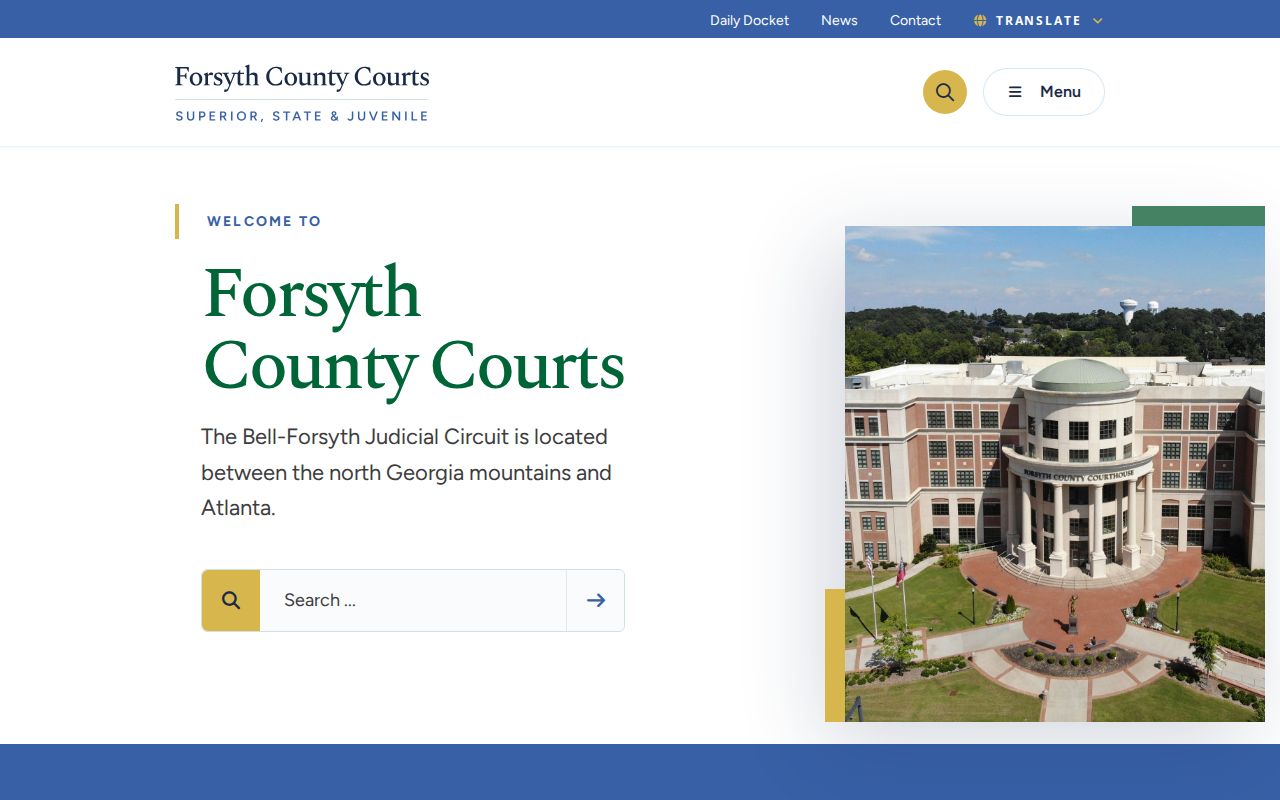
This hub is a route, not a master docket.
Four Forsyth Docket Access Views
In Forsyth County, docket can point to four different products. The Daily Docket is a short calendar view. re:SearchGA handles the account-based case and filing search. At the courthouse, the Public Access Terminal opens public case information and e-filing tools, and eCertification supplies a certified electronic copy of a court record.
| Access view | Best use | Important limit |
|---|---|---|
| Daily Docket | Next court day's time, judge, and location | Not a full register |
| re:SearchGA | Cases, filings, text, and hearings | Account and role limits apply |
| Public Access Terminal | In-person public viewing and filing help | Public-access rules still control |
| eCertification | Certified court record request | Different from a portal printout |
Pick the right tool before typing a name. A payment portal, a city ticket portal, or a daily calendar is never the complete Forsyth County court docket, so do not mistake any of them for one.
Inside a Forsyth County Court Docket
A docket is a dated index. It hangs beneath a case header. What appears next depends on the court and your access role. Parties, lawyers, judicial officers, filing titles, hearings, orders, status, and disposition may all show. Or only some of them will. A document link is not always open. It can be free, paid, redacted, sealed, or limited to a party or attorney. And a title with a date does not reveal every term in the filed paper.
| Case Number | Forsyth patterns can include YYCR-NNNN-1, YYCV-NNNN-2, or a State division suffix. |
|---|---|
| Parties | Roles can include plaintiff, defendant, petitioner, respondent, or prosecution office. |
| Filings | Dated complaints, charges, answers, motions, notices, and orders form the register. |
| Hearings | A setting may identify date, time, judge, location, and proceeding type. |
| Status | A system posture label can lag behind the newest entry. |
| Disposition | Dismissal, plea, judgment, sentence, or appeal may appear, but the order controls. |
Copy the exact text if a code is unclear. Forsyth County does not publish a complete glossary for every abbreviation. A suffix is a routing clue, not a result.
Forsyth re:SearchGA Docket Tools
The state e-access directory says an account is required. Tyler's public guide walks through keyword search, Search, Clear, Advanced, and Hints. Its main modes are Cases, Filings, Text, and Hearings. Narrow results by Location, Case Category, Case Type, or Case Status, then sort by newest filing, oldest filing, or case number.
| Portal control | Use in a Forsyth docket search |
|---|---|
| Cases | Find the case header and description |
| Filings | Focus on filed items and dates |
| Text | Search available document text |
| Hearings | Find setting-oriented results |
| Advanced | Open added search fields and wildcard options |
| Export or alerts | Use result exports and saved-case tools when enabled |
Case Details holds a lot. It may show case type, parties, attorneys, judicial officers, documents, and hearings. Your view depends on your role. A registered public view differs from what an attorney of record or the clerk sees. Older material varies too. Tyler generally points to e-filed data from October 1, 2018. Earlier integration depends on the court. The Georgia judiciary data and records hub places e-access within the wider state information system.
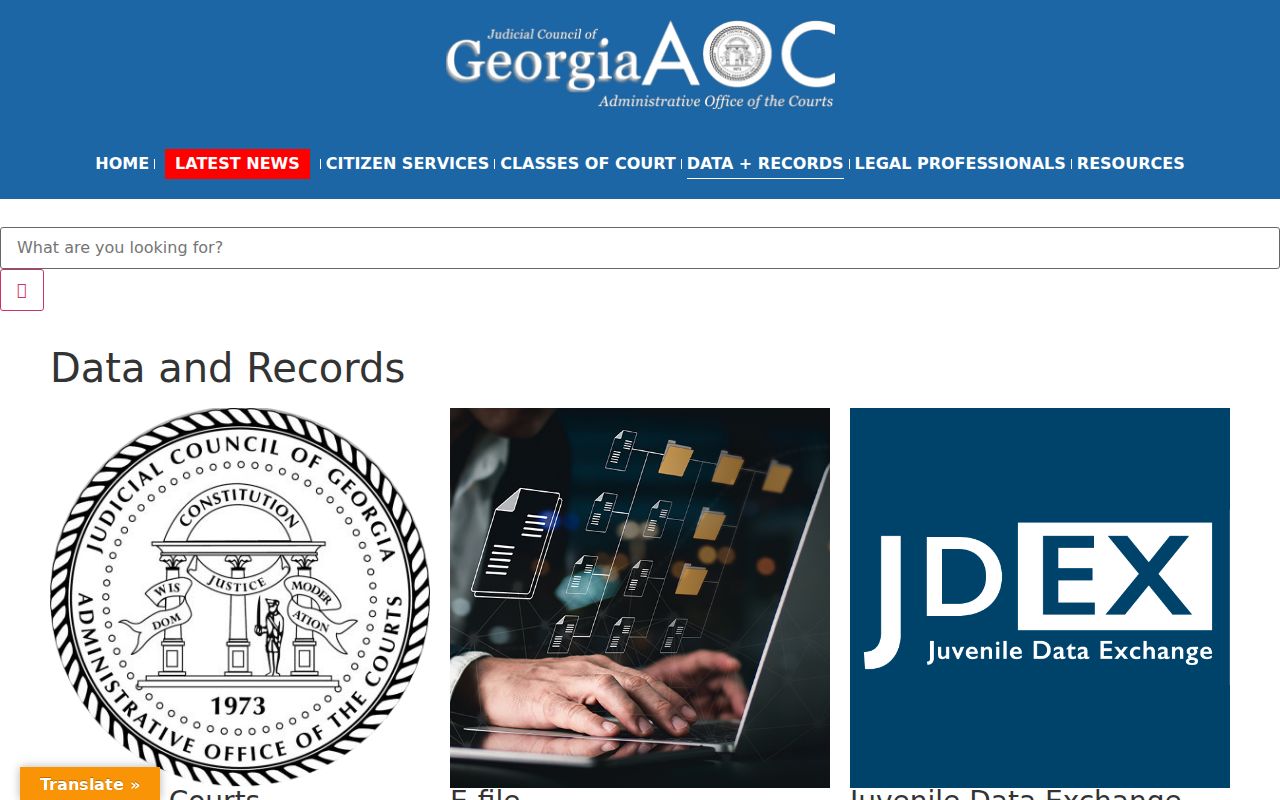
The state hub routes access and research services. The Forsyth court that originated the record stays the authority over it.
Courts That Keep Dockets in Forsyth County
No single Forsyth County court docket holds every case. Superior Court keeps felonies, divorce, equity, title-to-land matters, and other general-jurisdiction work. State Court takes misdemeanors and county traffic. Civil matters not reserved to Superior Court land there too. Juvenile, Probate, Magistrate, Cumming Municipal, federal district, and bankruptcy courts each keep their own records. None of them share a channel.
| Court | Docket covers | Search route |
|---|---|---|
| Superior Court | Felony, divorce, equity, land title, broad civil | re:SearchGA, Daily Docket, Clerk |
| State Court | Misdemeanor, county traffic, certain civil | re:SearchGA, Daily Docket, Clerk divisions |
| Juvenile Court | Delinquency, dependency, child matters | Juvenile office and order-based record process |
| Magistrate Court | Claims up to $15,000, dispossessory, warrants | Separate Magistrate office |
| Probate Court | Estates, guardianships, licenses | Probate office in the Annex |
| Cumming Municipal Court | City ordinance and traffic cases | City court and city ticket portal |
| Federal courts | Federal civil, criminal, and bankruptcy | PACER and CM/ECF |
The Forsyth court directory identifies the current Superior, State, and Juvenile judges.
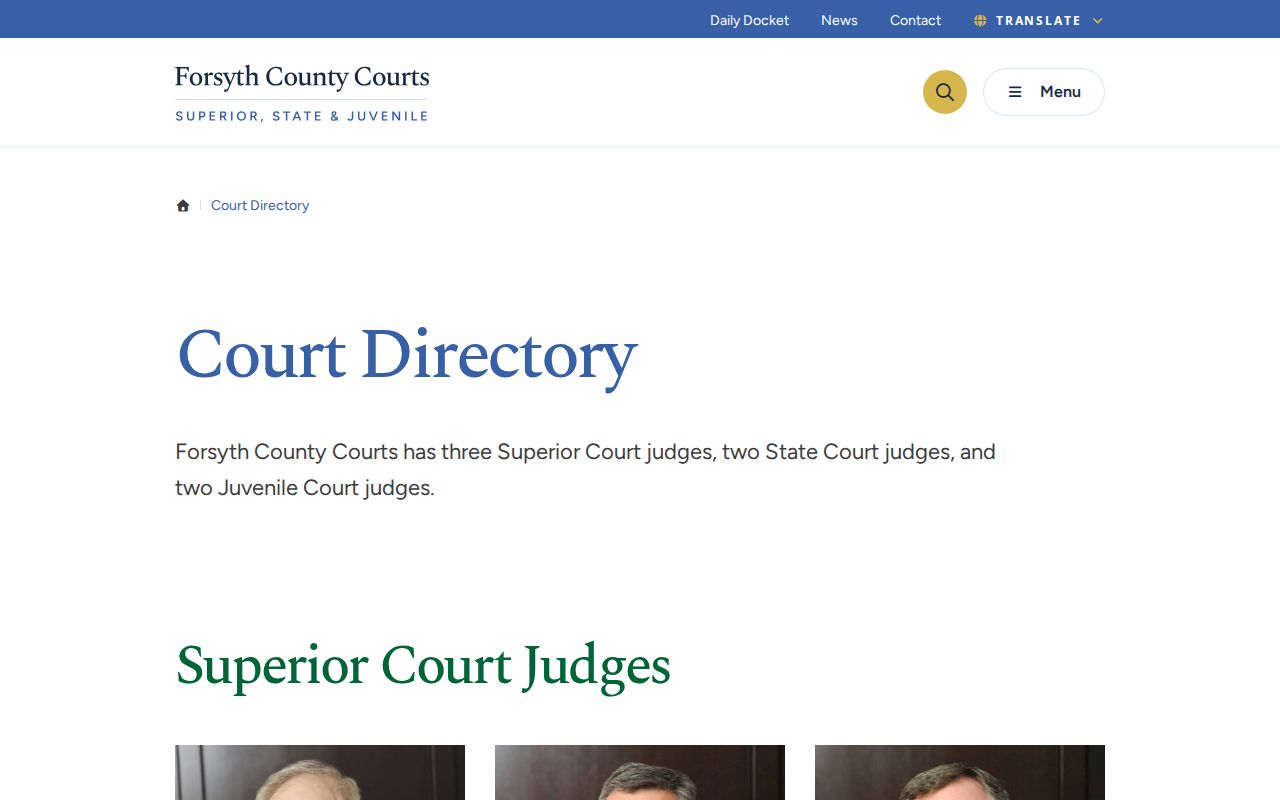
A directory can confirm who a judicial officer is. Still, the case number and the court remain the primary routing keys for any docket result.
Forsyth Court Docket Number Clues
Forsyth County publishes suffix maps for routing cases. In Superior Court, suffix 1 corresponds to Judge Jeffrey S. Bagley. Suffix 2 corresponds to Judge David L. Dickinson. Suffix 3 corresponds to Judge Philip C. Smith. State Court divisions use A and B in Clerk material. Current examples follow year and case-class patterns. CR marks a Superior criminal case. CV marks a civil one, and M-style numbers mark a State criminal or traffic matter.
- Case number
- The court-assigned identifier and safest lookup key.
- Case status
- The portal's current posture label, which may trail the newest filing.
- Setting
- A scheduled event, not necessarily a trial or final hearing.
- Reset
- A new setting after a date changes, not a dismissal.
- Disposition
- The procedural outcome entered by the court.
A case number alone proves nothing about status. It cannot confirm a case is open, closed, sealed, or assigned exactly as expected today. Compare the live header. When a suffix conflicts with current court papers, ask the responsible division.
How to Find Court Dates and Settings
The Daily Docket lists the following court day's Superior and State matters. It refreshes daily at 8:30 PM Eastern. Its searchable table uses Name, Case Number, Time, Judge, and Location. Last-minute changes happen. On the proceeding date, the first-floor courthouse display is the local verification point.
Monthly master calendars and judge-specific civil hearing forms serve different planning needs. A master calendar shows broader court organization. A Daily Docket row is the near-term setting. A hearing request is not a granted date. When timing matters, preserve the case number, date, time, judge, location, setting type, and the time you checked.
The full Forsyth County Court Dates resource explains resets, cancellations, missed settings, and the separate Cumming calendar. A reset changes the date. It does not resolve the case.
Forsyth Daily Docket Verification
A missing setting has a few usual causes. First confirm the case belongs to Superior or State Court, and that the page is displaying the relevant following court day. Check the exact case number and the filed spelling. Probate, Magistrate, Juvenile, Cumming Municipal, and federal hearings are not unified into this public list. Then call the responsible Clerk division or visit the first-floor display. The Clerk answers time, date, and location questions. The Clerk does not make the judge's scheduling decision. A payment result or an old notice should not override a current court confirmation.
Time-sensitive setting: Treat the online row as a planning tool. Verify last-minute changes with the court before travel or any required appearance.
Public Access to Court Dockets
In Georgia, court records are open to the public in most situations. But court access and county-agency open records work under different rules. The Georgia Attorney General notes that Superior, State, Probate, and Magistrate courts do not fall under the Georgia Open Records Act the way county agencies do. So a Forsyth County court docket search starts with the clerk who holds the file and that office's inspection and copy process.
Uniform Superior Court Rule 21 presumes public inspection. A court can still limit a stated portion, but only after the required process and findings, and the order must spell out scope, reason, and duration. Rule 21.6 and O.C.G.A. §9-11-7.1 shield sensitive identifiers. Juvenile records follow separate confidentiality rules and often need a Juvenile Court order.
Key rules: Uniform Superior Court Rule 21 governs limits on Superior Court access. O.C.G.A. §9-11-7.1 addresses protected identifiers. O.C.G.A. §15-11-704 appears in Forsyth's juvenile recording process. The Georgia Open Records Act governs agencies, but court files follow court-specific access procedures.
A docket entry can be visible with no image because the paper was sealed, redacted, or role-limited. Sometimes it simply must be purchased. Ask the clerk which portion is public. Never assume the document does not exist.
Growth Behind Forsyth Court Dockets
Forsyth County's court system grew alongside its people and workload. Census QuickFacts puts the July 1, 2025 population estimate at 282,805. That is up from 251,283 in the 2020 Census. The 2023 Superior Court Workload Assessment shows a three-year Bell-Forsyth average of 535 general civil cases. It also shows 1,500 domestic-relations cases. Treat those as workload measures, not a live count of docket rows.
The official Forsyth County Administration page gives local government and growth context.
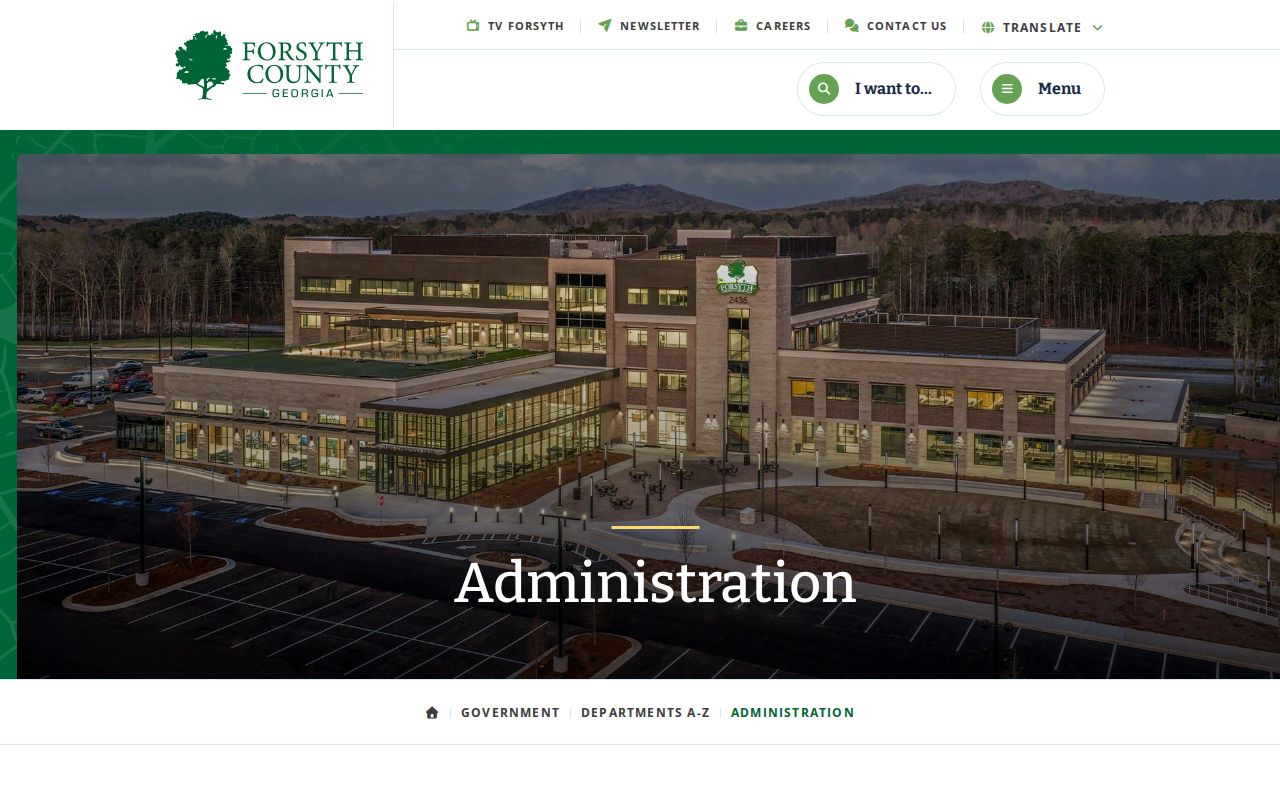
Population and workload numbers explain why Forsyth gained judges, courtrooms, and digital tools over time. They say nothing about any one person's case. The Forsyth County government home is another official route to separate county departments.
County department records and court dockets have different custodians, so the department route never replaces the Clerk.
Docket Records at the Clerk's Office
Greg G. Allen serves as the elected Clerk of Superior, State & Juvenile Courts. The office takes in filings, keeps the public court records, collects court fees and costs, and runs jury functions. Its divisions split Superior criminal work from Superior and State civil work, and from State criminal or traffic cases. Magistrate and Probate keep their own separate offices.
Clerk of Superior, State & Juvenile Courts
Forsyth County Courthouse, Suite 1007
101 East Courthouse Square
Cumming, GA 30040
770-781-2120
clerkofcourt@forsythco.com
Forsyth Clerk
The official Clerk home provides the public office view below.
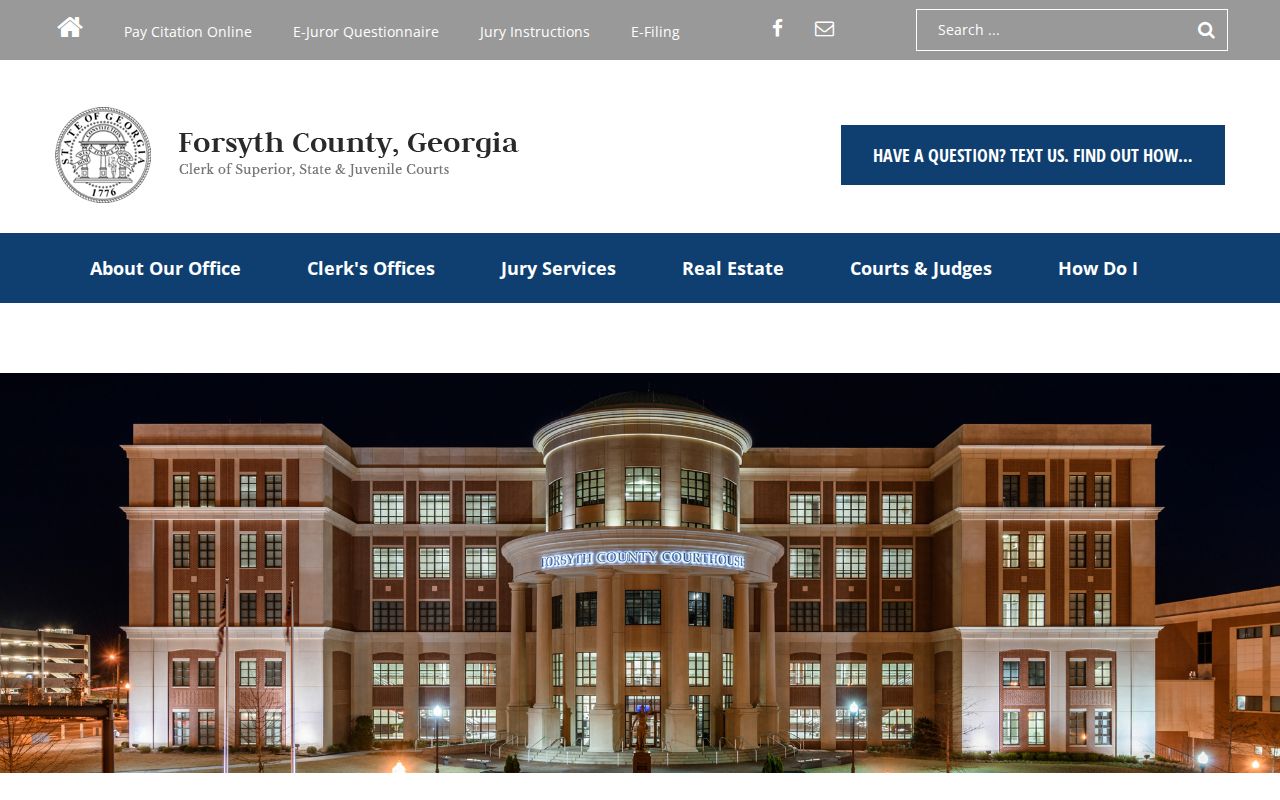
The homepage routes questions about divisions, copies, case searches, and e-filing without promising that every old file or image is online. The Clerk's official profile lays out the office's constitutional duties.
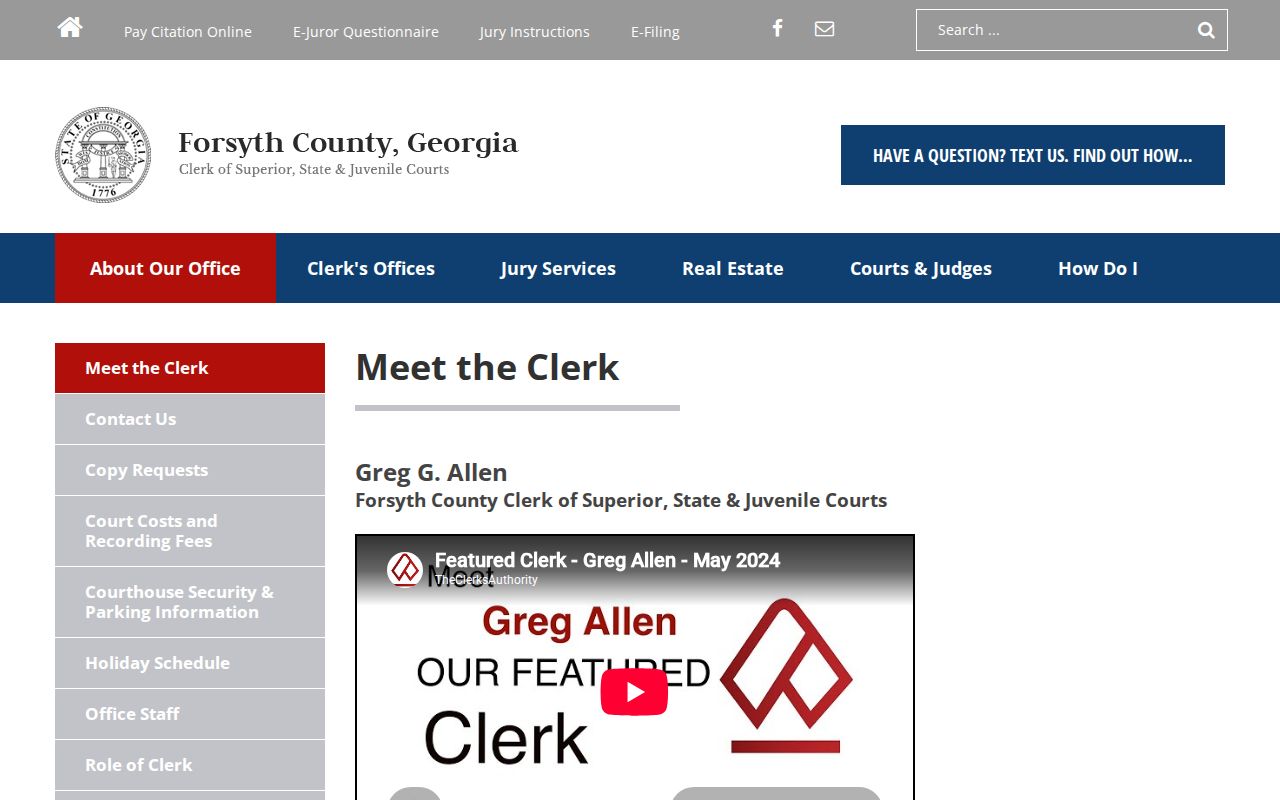
That role makes the Clerk the main custodian for Superior, State, and Juvenile files. It does not make the office custodian of every court in the county.
Forsyth Certified Docket Copies
Know what you are looking at. An online case header, a Daily Docket row, a downloaded image, and a certified copy are four different records. The Clerk sends certified requests through GSCCCA eCertification and delivers finished copies electronically by email. Remote equipment or an online view can fall short. Public terminals and the counter offer alternate access.
| Copy type | Forsyth Clerk fee | Use |
|---|---|---|
| Standard | $0.50 per page | Typical scanned or filed copy |
| Certified | $2.50 first page, then $0.50 each added page | Court-authenticated record |
| Non-standard | $1.00 per page | Unscanned, unusual-size, or hands-on copy |
These are copy charges under the Clerk's listed schedule. They are not the $218 civil filing fee, the $50 sheriff service charge, a traffic payment, or a portal document purchase. The Clerk posts no specific copy turnaround, so confirm timing with the office.
Forsyth Dockets From Paper to Portal
Forsyth's records system has a long local timeline. The 1905 courthouse burned in 1973. Court functions moved before a two-courtroom building opened in 1977. Growth then brought new judgeships and a fourth courtroom. SPLOST VII funded the current courthouse, which opened in March 2015. It gathered court administration, the Clerk, trial courts, and related offices under one roof. Access layers kept coming. Tyler says e-filed data generally appears in re:SearchGA from October 1, 2018, subject to local integration. Administrative Order 24-6 implemented criminal e-filing. The Public Access Terminal now links in-person visitors to eFileGA and case information. Historic physical files still coexist with electronic dockets. The official Forsyth courthouse history supplies the full local timeline.
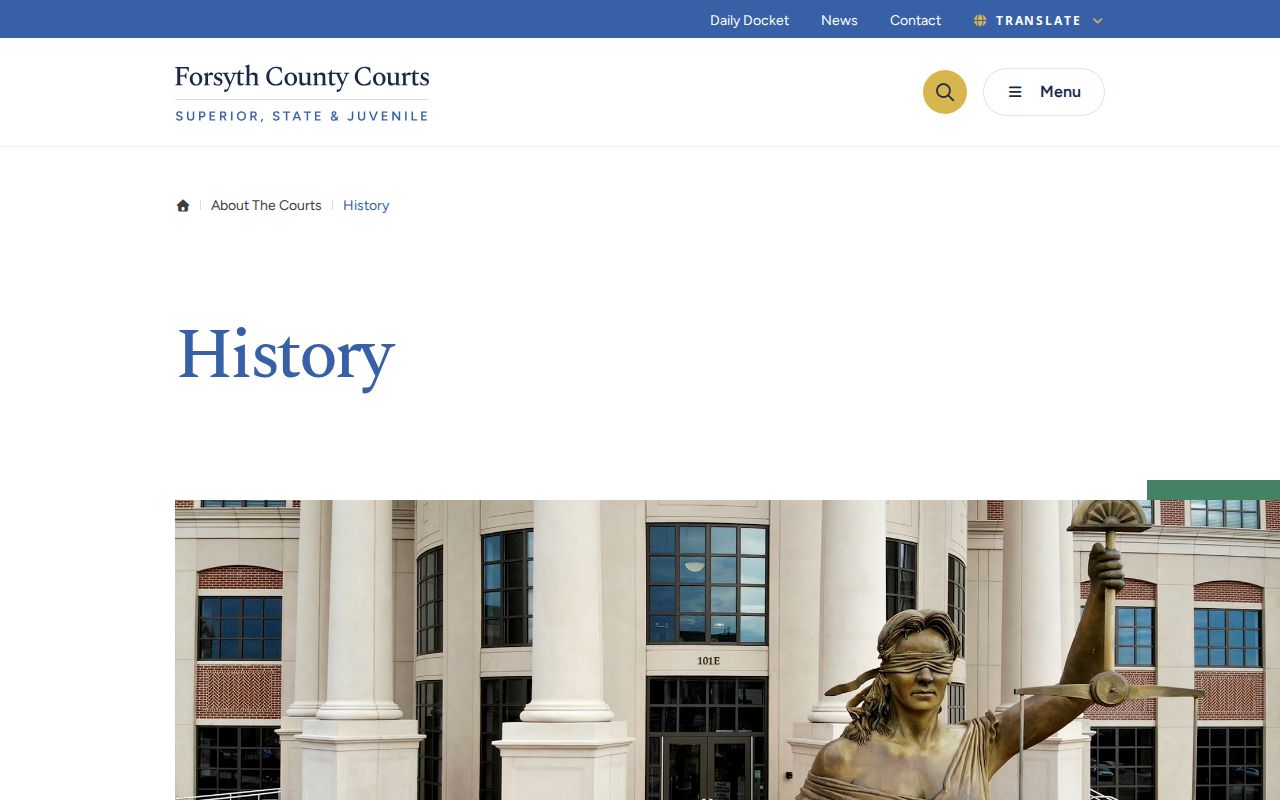
That history explains why an old case may need a Clerk counter or archive search. Newer records are simply easier to locate online.
Forsyth County Court Dockets by City
Cumming is the only incorporated city in Forsyth County. It is the only one named in the official county and census material. Its Municipal Court runs a separate docket for city ordinance and traffic violations. A county citation follows the Forsyth State Court route. A City of Cumming citation goes to the municipal court and its own Tyler ticket portal. The issuing agency and court name tell you which docket search to use.
Cumming Docket Search
2024 population estimate: 10,175
Cumming Municipal Court hears city traffic and ordinance matters at its separate office and publishes its own calendar, citation portal, and records-request channel.
Felonies skip the city court and belong in Superior Court. County misdemeanors and county traffic land in State Court. Magistrate, Probate, Juvenile, and federal matters also bypass the municipal docket. Before choosing a portal, ask one question first. Who issued the citation or filed the case?
Map and Directions to the Forsyth County Courthouse
Superior, State, and Juvenile Court records are kept at the Forsyth County Courthouse, 101 East Courthouse Square, in Cumming, where the Clerk of Superior, State & Juvenile Courts keeps its first-floor counter at Suite 1007. Probate Court moved out of the main courthouse counter and is now at 100 West Courthouse Square, Suite 008, on the lower level of the Courthouse Annex, reached from the rear entrance. Magistrate Court is a separate office at 1090 Tribble Gap Road, and Cumming Municipal Court handles city citations at 481 Merchant Way.
Clerk of Superior, State & Juvenile Courts
Forsyth County Courthouse, Suite 1007
101 East Courthouse Square
Cumming, GA 30040
770-781-2120
Monday-Friday, 8:00 a.m. to 5:00 p.m.
Parking is at the Mason Street Deck off Main Street/Pilgrim Mill Road behind the County Administration Building, or the Castleberry Deck and Lot at 101 Castleberry Road, with accessible parking between Mason Street Deck and the Administration Building. Court Security checks all entrants and confiscates pocket knives, knitting needles, nail clippers, mace, and pepper spray; outside food and drink are not allowed. The building is ADA compliant, and the first-floor Public Access Terminal is available for viewing public records.